

Adobe Illustrator vs. Affinity Designer
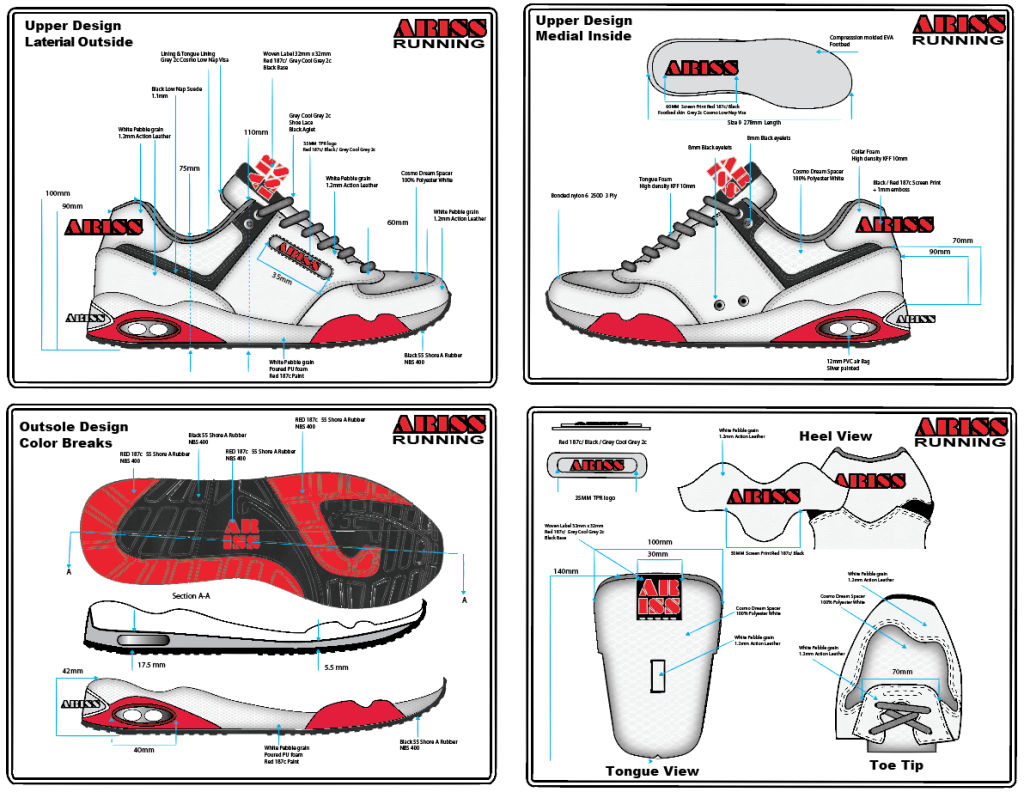
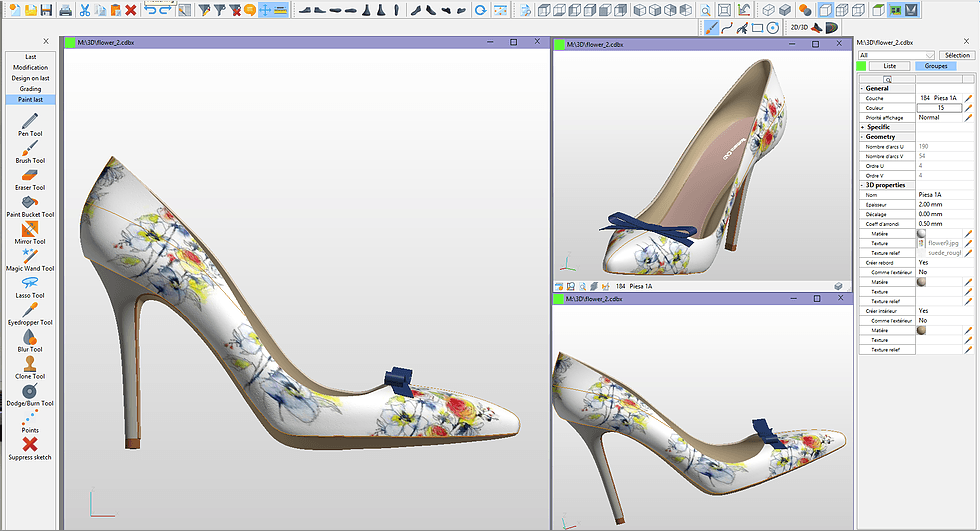
When it comes to footwear design, having the right software at your disposal can significantly impact your creative process and productivity. In this blog post, we will compare two popular design tools, Adobe Illustrator and Affinity Designer, and explore their suitability for footwear design.
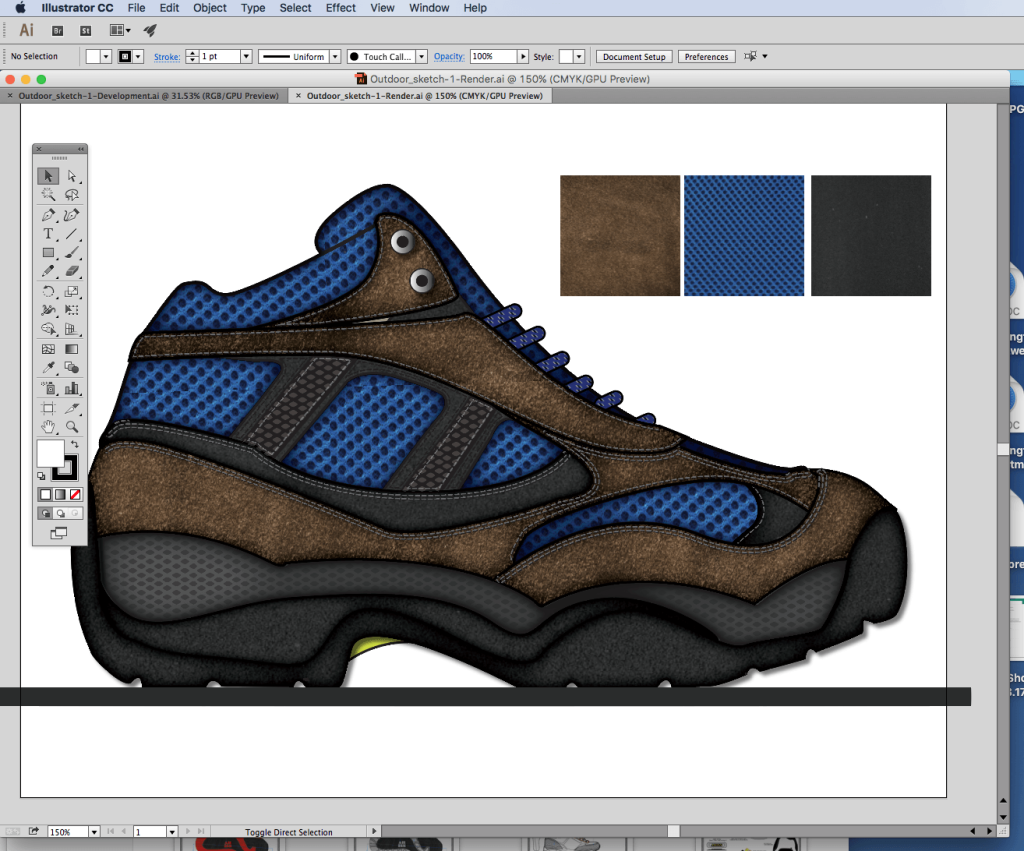
Adobe Illustrator has long been the industry standard for vector-based design, and it offers a robust set of tools that cater to professional designers. With its precise vector drawing capabilities and extensive control over anchor points and curves, Illustrator empowers footwear designers to create intricate and detailed shoe designs. Its powerful Pen Tool and Shape Builder Tool allow for seamless creation and manipulation of design elements, while features like Live Paint make it easy to experiment with colors and textures.
The #1 Textbook
For Shoe Designers
Aspiring shoe designers start here! How Shoes are Made is your entry into the world of modern shoe making. Tour a real shoe factory and learn the process from design to manufacturing.Buy Now
Download $19.99
Additionally, Adobe Illustrator’s vast library of brushes, symbols, and effects enables designers to add depth and realism to their footwear designs. The software’s integration with other Adobe Creative Cloud applications, such as Photoshop and InDesign, facilitates a smooth workflow for designers who need to collaborate across different design disciplines or create marketing materials for their footwear collections.
On the other hand, Affinity Designer has emerged as a compelling alternative to Illustrator, particularly for those seeking a more budget-friendly option. Affinity Designer offers a similar range of vector drawing tools, allowing footwear designers to create complex and precise designs. Its user-friendly interface and intuitive controls make it accessible to both beginners and experienced designers alike.
One notable advantage of Affinity Designer for footwear design is its exceptional performance, even when handling large and complex projects. This responsiveness is especially valuable when working on intricate shoe patterns or 3D models. Affinity Designer also provides comprehensive color management tools, allowing designers to create accurate and vibrant color palettes for their footwear designs.
New Online Course!
Shoemaking for Designers & Brand Builders
In terms of compatibility, Adobe Illustrator has an edge due to its widespread usage and recognition in the industry. Many suppliers, manufacturers, and collaborators are familiar with Illustrator’s file formats, such as .ai and .eps, which ensures seamless communication and compatibility throughout the footwear design process. However, Affinity Designer offers robust export options, including popular file formats like .svg and .pdf, making it compatible with most design workflows.
When it comes to pricing, Adobe Illustrator operates on a subscription-based model as part of the Adobe Creative Cloud suite. This can be advantageous for designers who require access to multiple Adobe applications and regular updates. However, it may be cost-prohibitive for independent designers or those on a tight budget. In contrast, Affinity Designer offers a one-time purchase option, providing a more affordable solution without compromising on features and functionality.
Last Design Textbook
Ultimately, the choice between Adobe Illustrator and Affinity Designer for footwear design depends on your specific needs, preferences, and budget. If you require extensive integration with other design tools and prioritize industry-standard software, Adobe Illustrator is a reliable choice. On the other hand, if you are looking for a more affordable option without compromising on performance and functionality, Affinity Designer provides a compelling alternative.
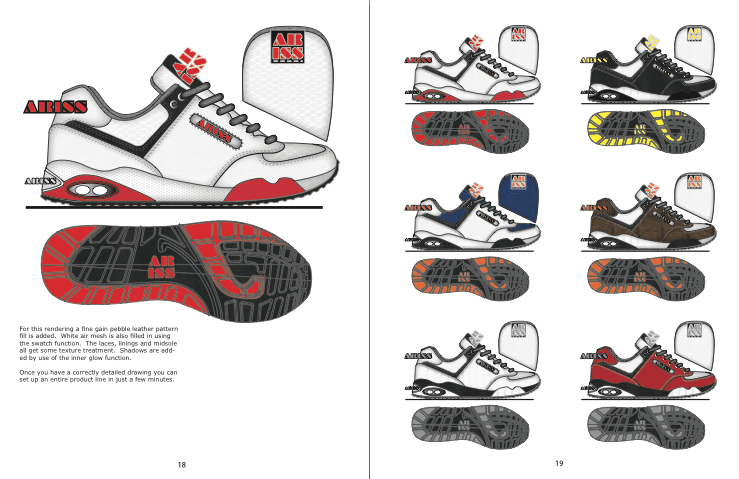
Both software options offer powerful features that can enhance the footwear design process, from initial sketches to final production-ready designs. Regardless of your choice, investing time in mastering either Adobe Illustrator or Affinity Designer will undoubtedly contribute to elevating your footwear design skills and unlocking your creative potential.



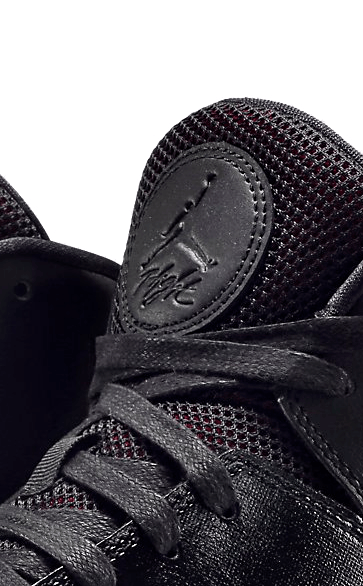
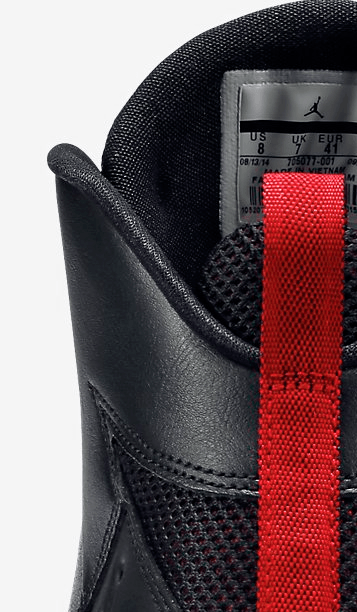
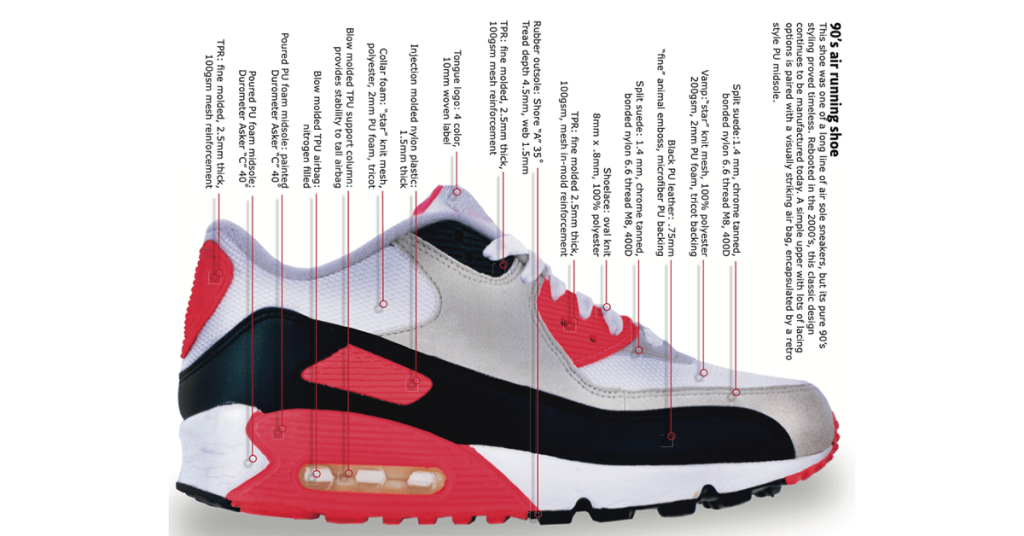
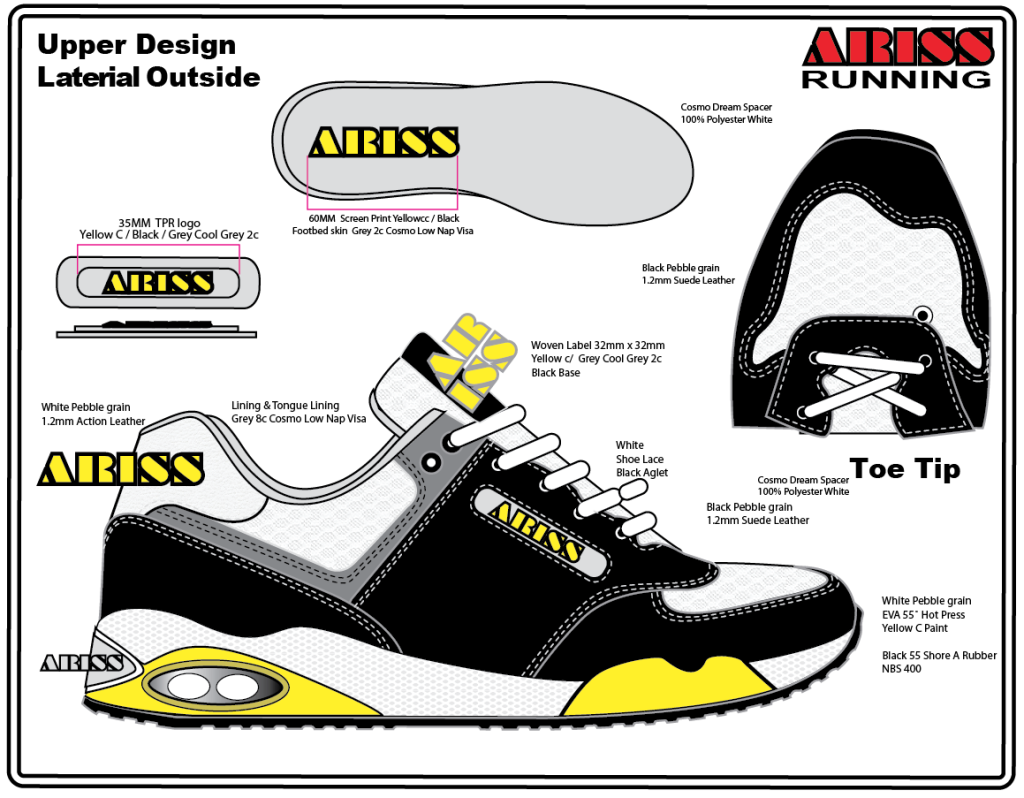
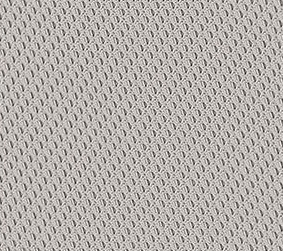
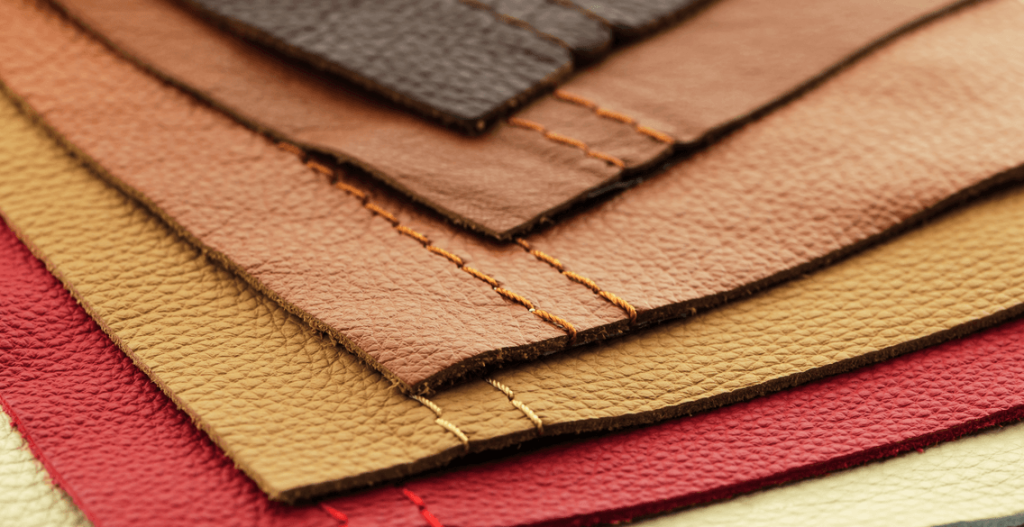
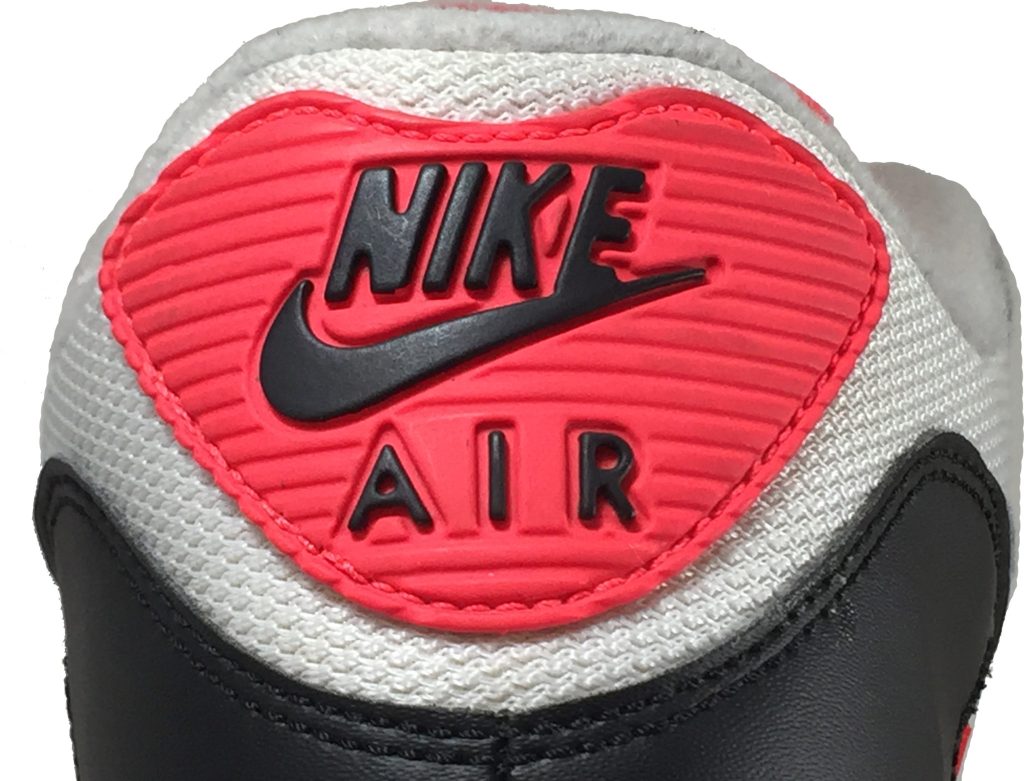
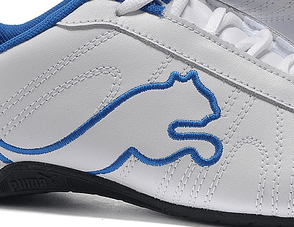




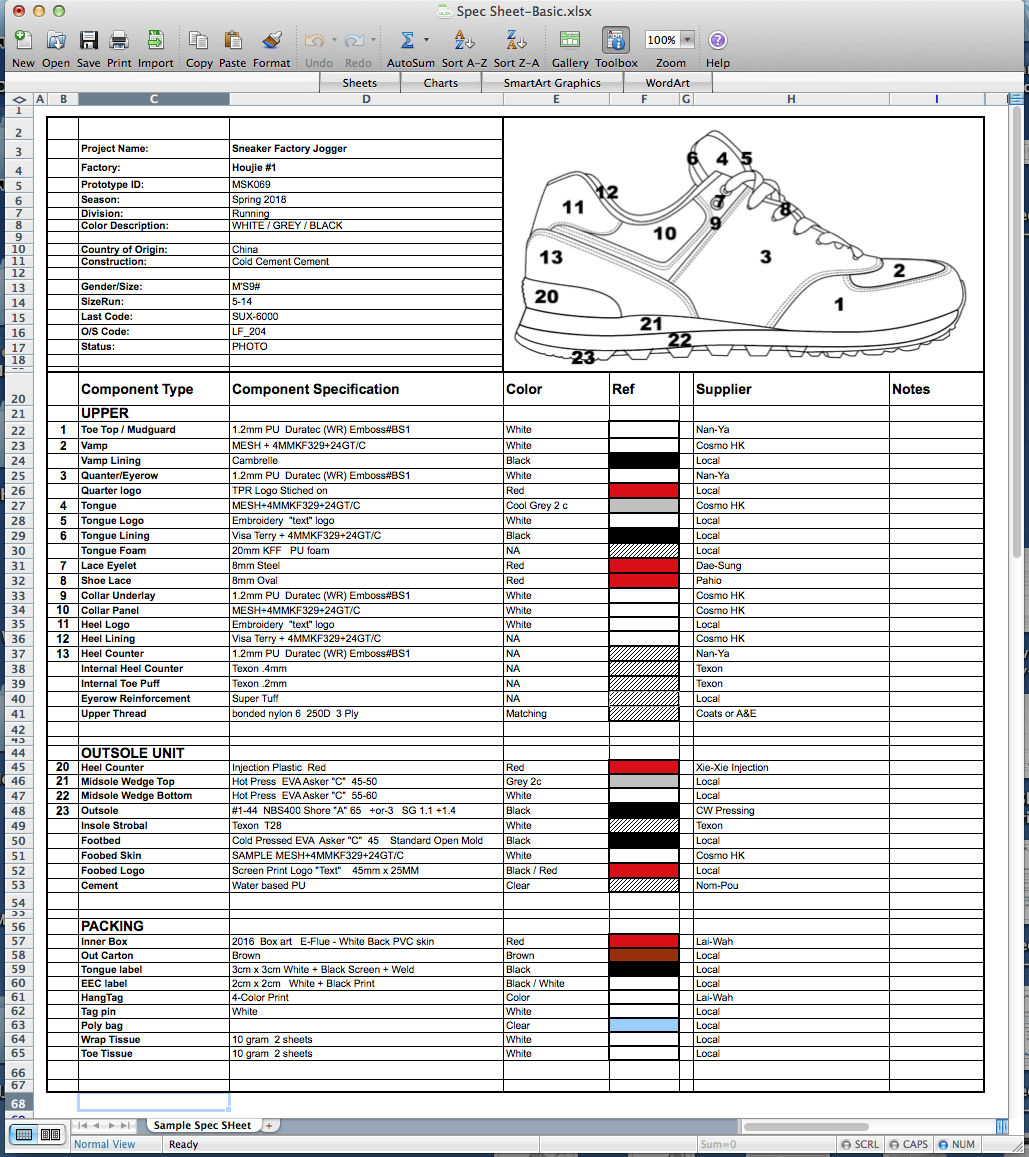
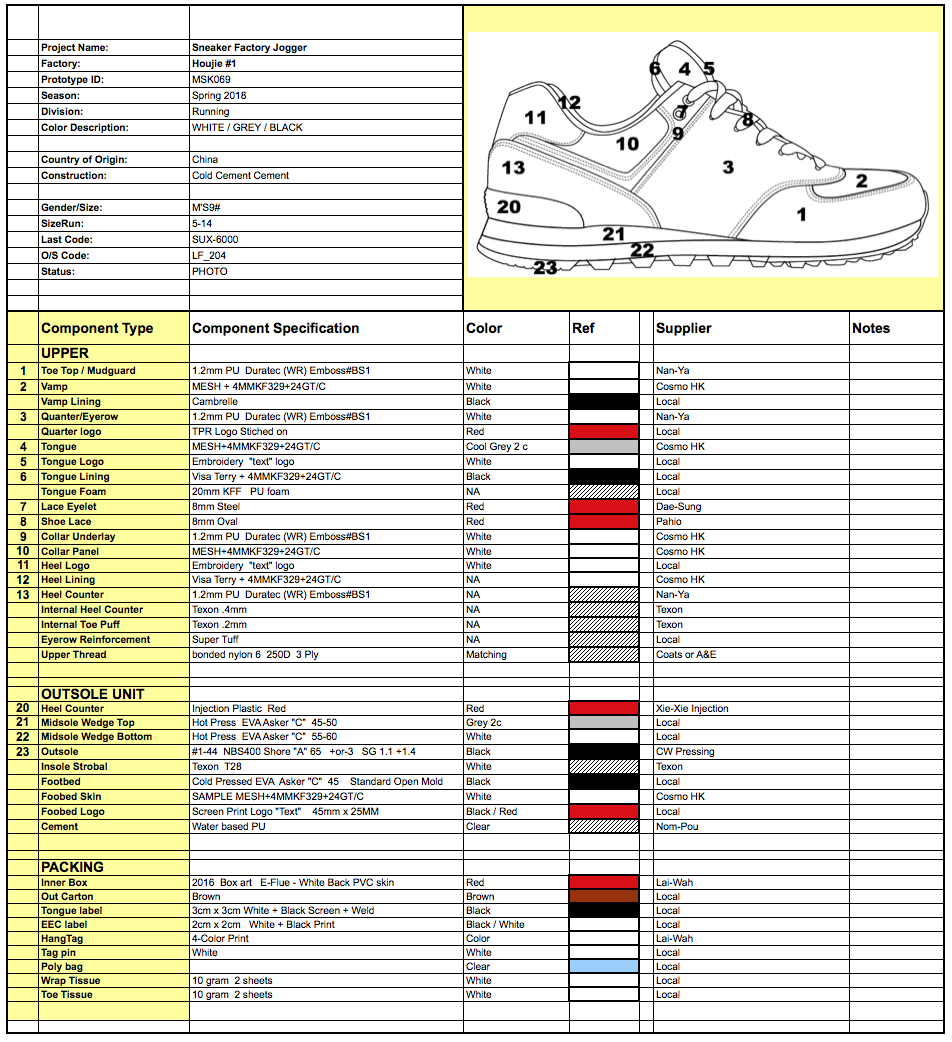
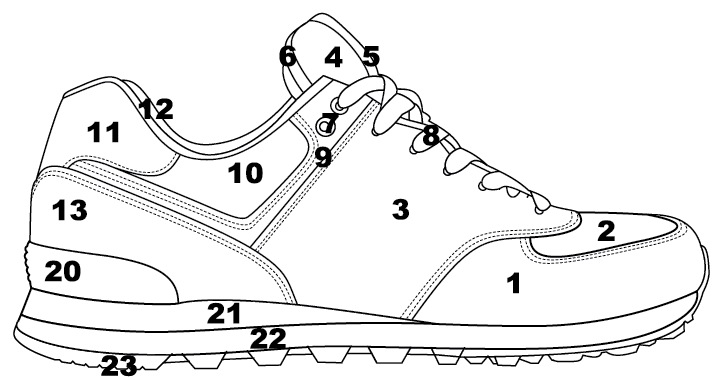
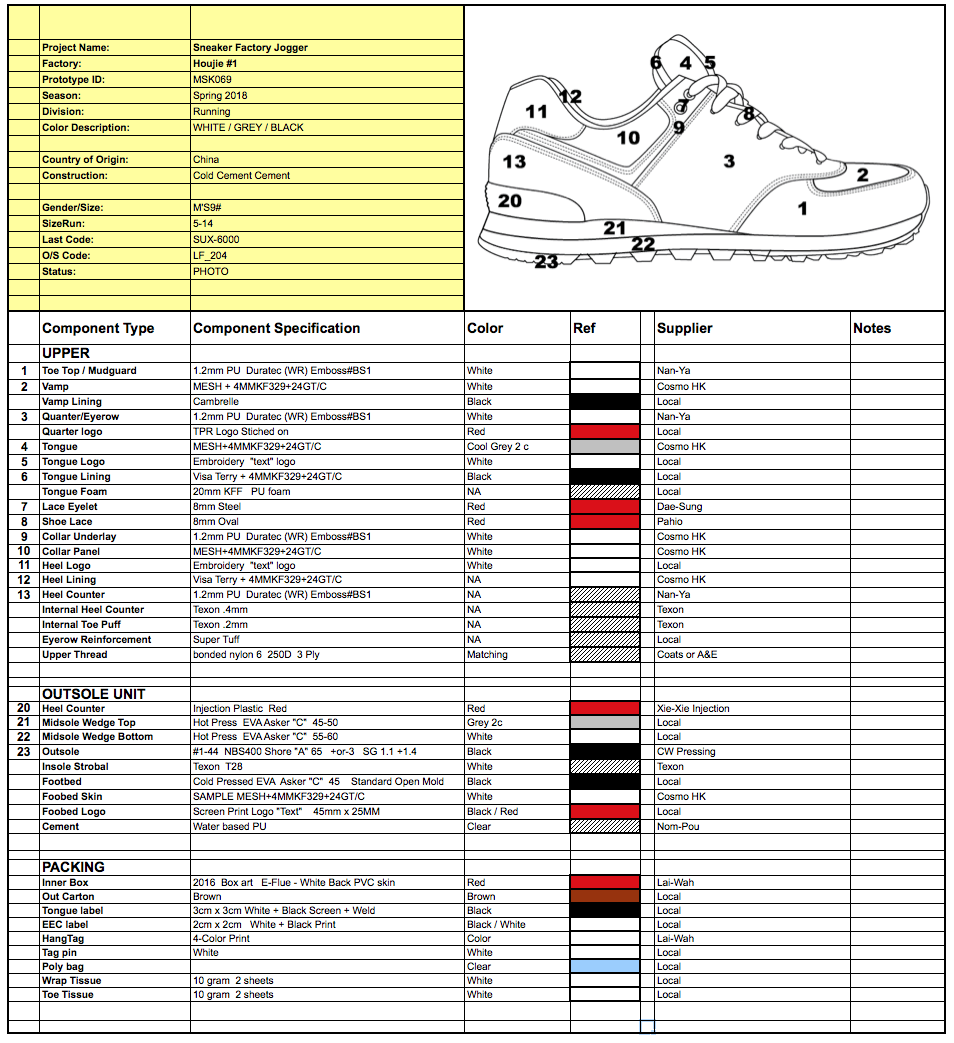
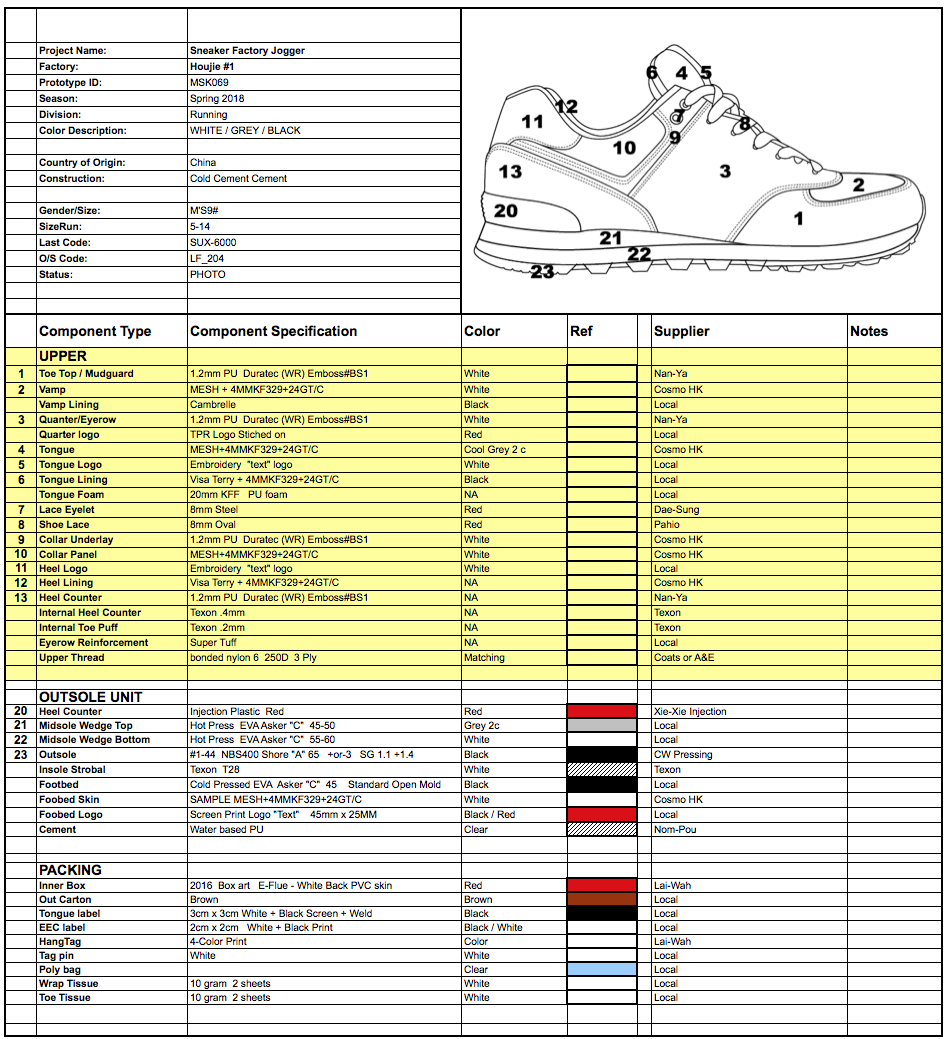

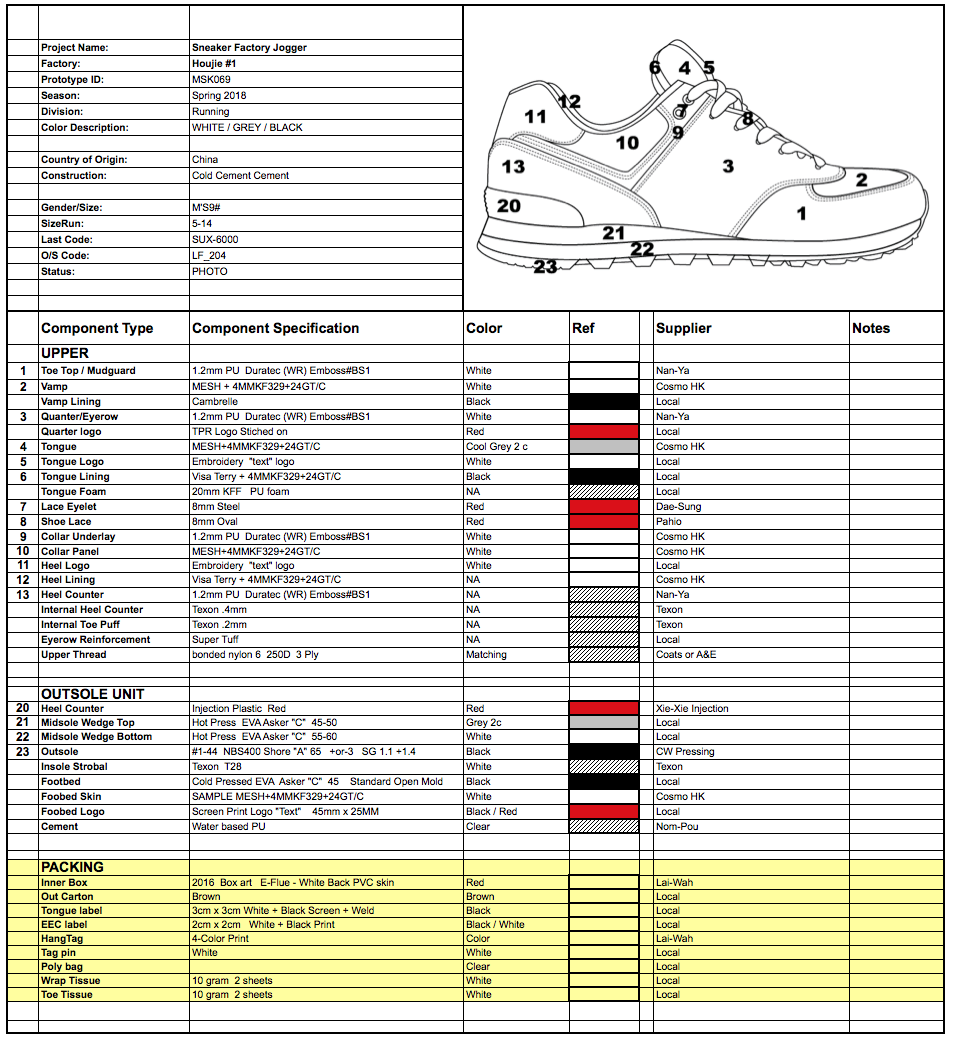

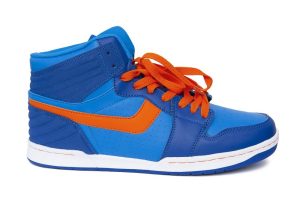
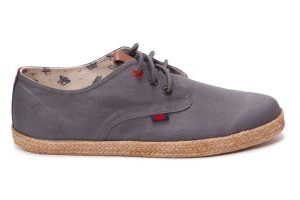
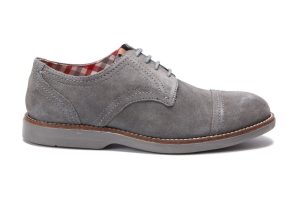
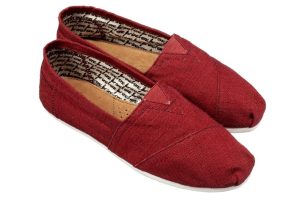
 Footwear material selection.

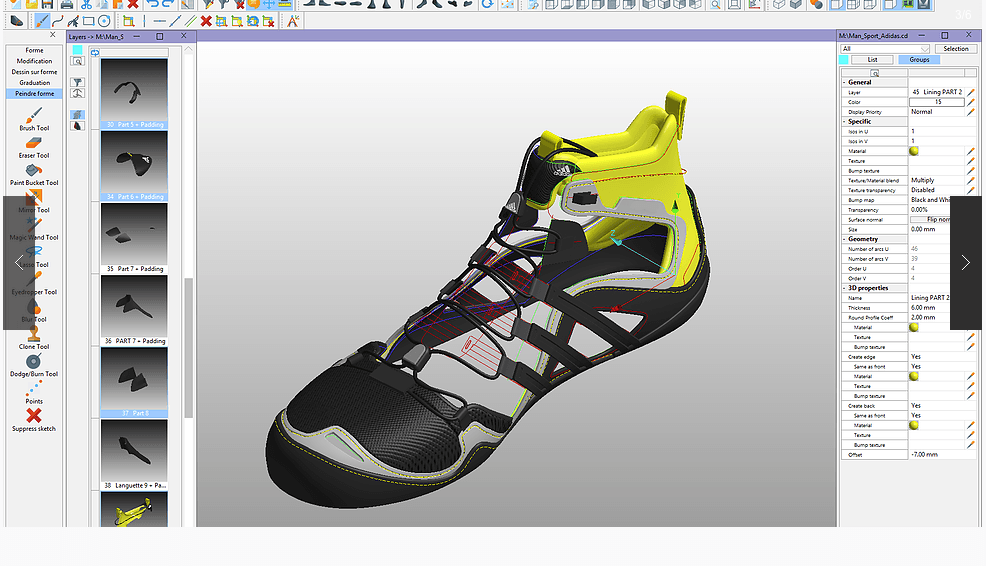

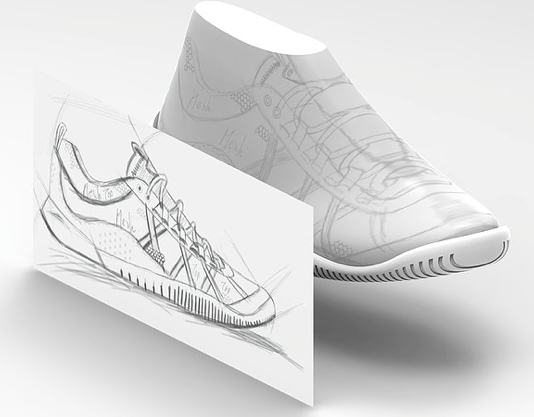
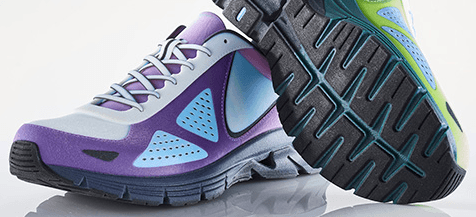
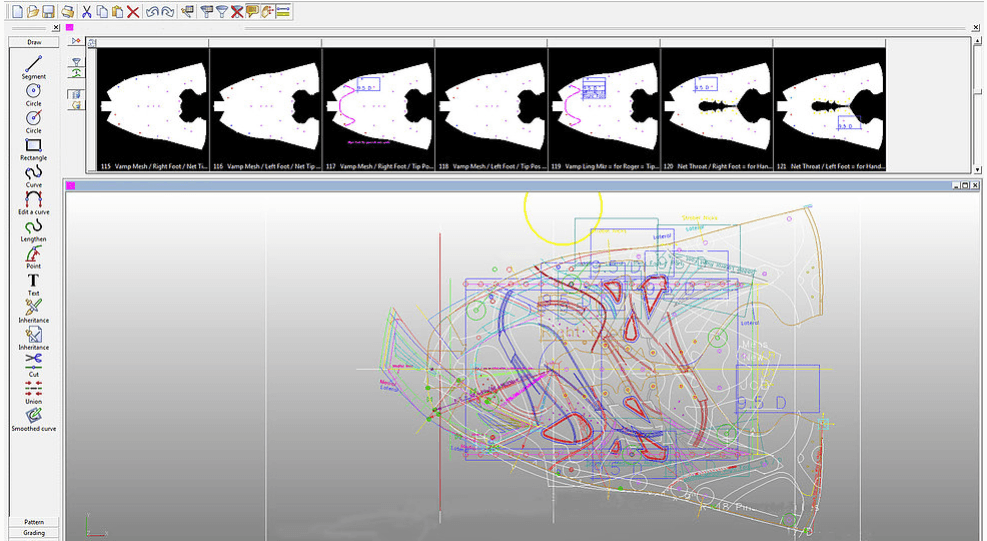


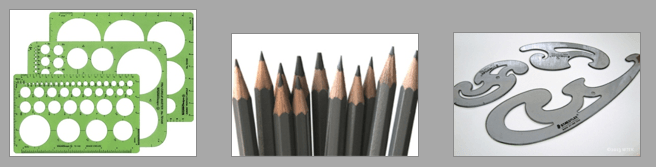



 Do you want to be a shoe designer or work for an outdoor products company? There is now a college program exclusively for outdoor gear design and development, including shoe design school courses.

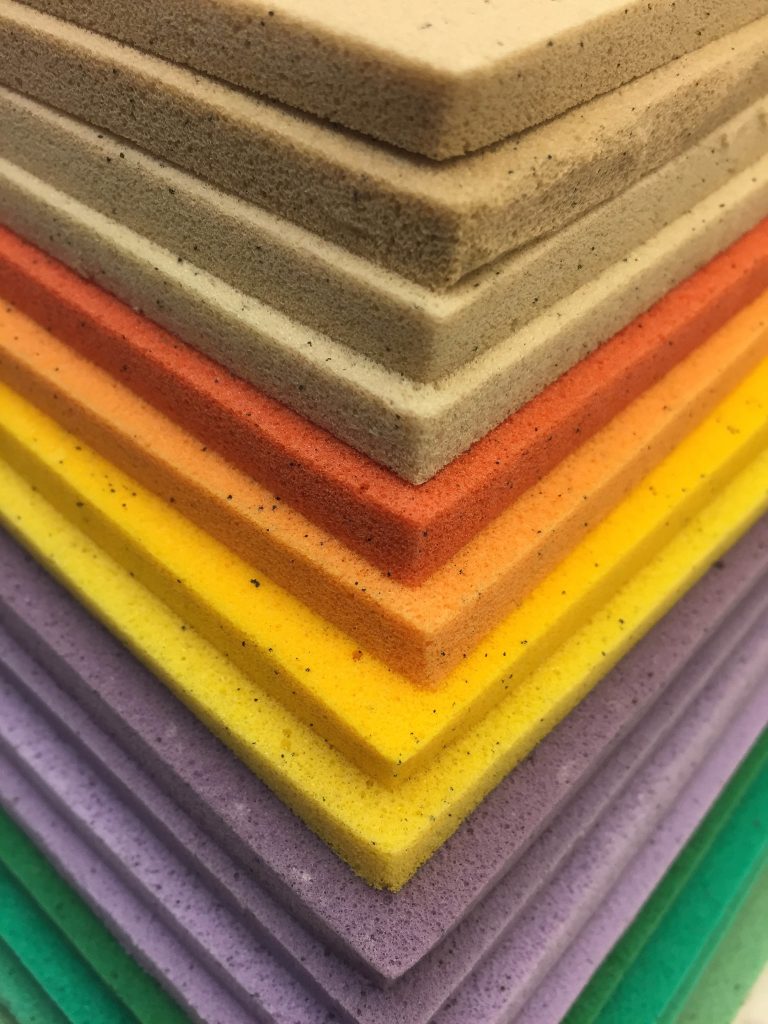
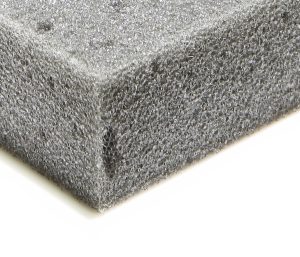
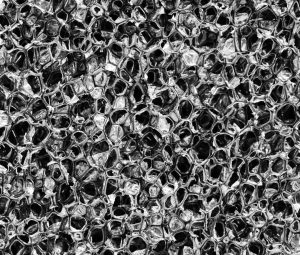 Reticulated foam for shoes
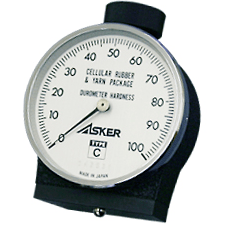 An Asker “C” scale Durometer tester is used to test the hardness of any foam components in your shoe. The Durometer tester will give you a reading of the density of the material. Try to test in flat spots and take several readings for each shoe part you are checking. For foam, try to cut the parts so you can test the center of the foam. EVA foam skin may give you a harder reading. A standard EVA midsole may be 55˚, a soft footbed 35˚. You can see the testing problem on the bottom is larger for softer foam.
 When testing the hardness of rubber and plastic shoe parts you need a Shore scale “A” Durometer tester. The Durometer tester’s bottom measuring pin is simply pressed against the material. The Durometer tester will give you a reading of the density of the material. Try to test in flat spots and take several readings for each shoe part you are checking. You can see the testing problem is very small.


